Choosing the right art software can feel overwhelming, especially when there are so many options available. Some programs are built more for photo editing, others are focused on design work, and some are made specifically for artists who want to draw, paint, and create comics.
That’s where Clip Studio Paint stands out.
It has become a favorite for illustrators, comic artists, manga creators, and commission artists because it was designed with artists in mind—not just general creative work. Instead of forcing you to adapt your workflow to the software, it feels like the software adapts to the way artists naturally work.
And honestly, that makes a huge difference.
It Feels Built for Drawing
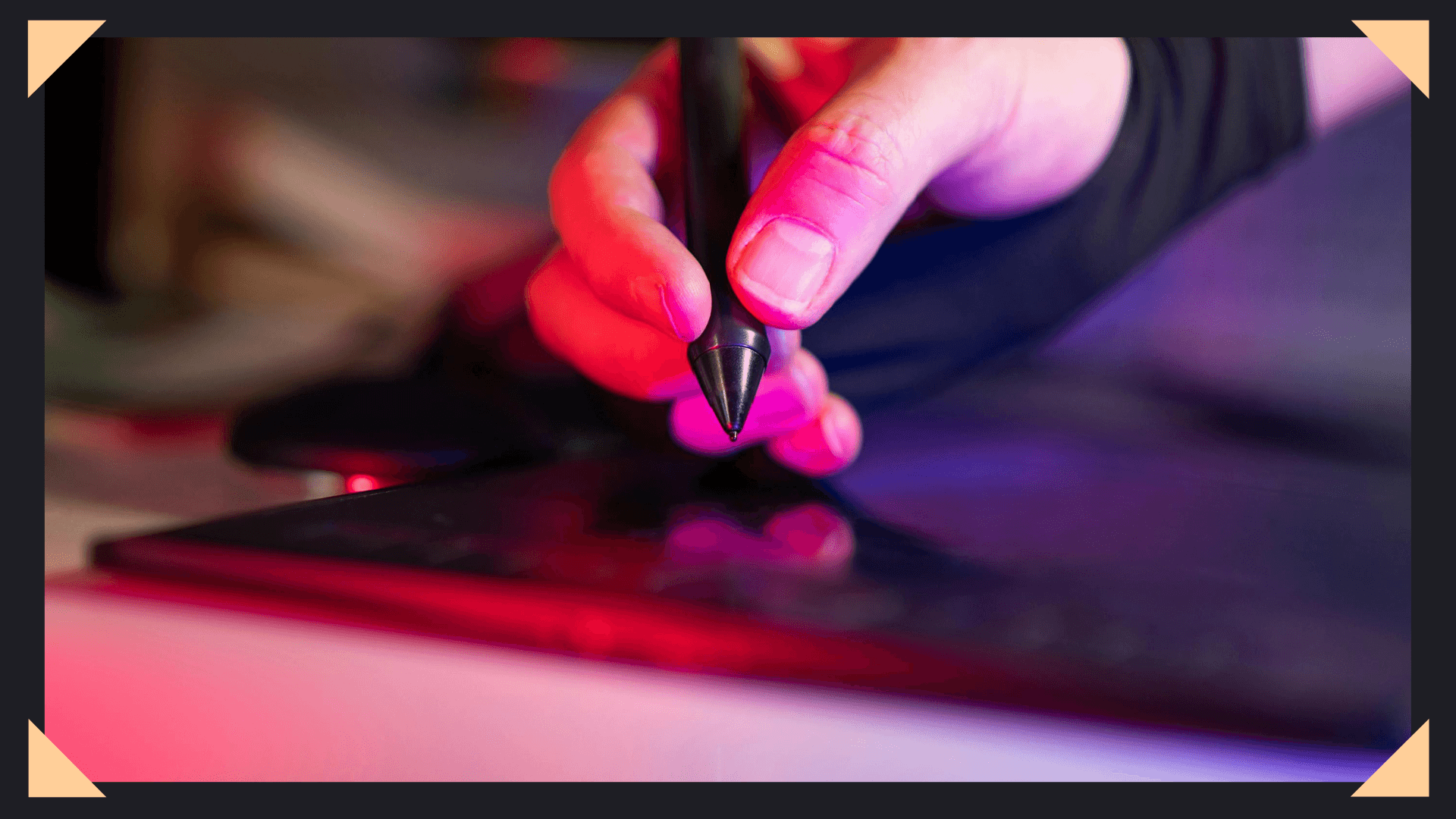
One of the first things artists notice when using Clip Studio Paint is how natural the drawing experience feels.
The brush engine is smooth, responsive, and highly customizable. Whether you prefer sketchy pencils, textured brushes, clean ink lines, or soft painterly rendering, the program gives you tools that actually feel good to use.
For line artists especially, the stabilization settings can be a game changer.
Instead of fighting shaky strokes or awkward pen lag, you can create smoother, cleaner lines with less frustration. That makes it especially popular for comic work, anime-style illustration, and polished commission pieces. Good software should help your hand—not fight against it.
The Vector Layer System Is Extremely Useful
One of the biggest advantages of Clip Studio Paint is its vector layer system.
Unlike standard raster-only workflows, vector layers allow you to edit linework after it’s been drawn. You can adjust thickness, clean intersections, reshape lines, and make corrections without having to redraw everything.
For artists who do detailed inking, this saves an incredible amount of time. It’s one of those features that seems small until you use it—and then it becomes hard to imagine working without it. Especially for commissions where revisions matter, that flexibility is valuable.
It’s Great for Comics and Webtoons
While many programs can handle illustration, Clip Studio Paint shines when it comes to comics, manga, and webtoon creation.
It includes built-in tools for panels, speech bubbles, text placement, perspective rulers, frame borders, and comic page setup. These features save artists from needing multiple programs just to finish one project.
For webtoon creators, vertical canvas support makes the workflow much smoother too.
Instead of forcing comic artists to piece together a system manually, the software already understands what that workflow needs. That’s a major reason so many professionals stick with it.
The Asset Library Saves Time
Another huge benefit is the asset library.
Users can download brushes, textures, materials, 3D references, backgrounds, and tools created by other artists. This can speed up workflows dramatically, especially for repetitive tasks or background-heavy projects.
Need chain brushes? Cloud brushes? Fabric textures? Perspective room models? There’s a good chance someone has already created it.
That doesn’t replace skill—but it absolutely helps efficiency. And when you’re balancing commissions, deadlines, and personal projects, efficiency matters.
It’s More Affordable Than Some Alternatives
For many artists, budget matters just as much as features.
Compared to some industry-standard creative software, Clip Studio Paint often feels far more accessible. It offers professional-level tools without the same overwhelming monthly cost many subscription-based platforms require.
That makes it especially appealing for freelance artists, students, and beginners building their commission business. You want tools that support growth—not tools that create financial pressure.
Final Thoughts
No art software is perfect for everyone. Some artists love painter-focused programs. Others prefer simpler interfaces or specific industry tools.
But for drawing, inking, comics, commissions, and illustration-heavy workflows, Clip Studio Paint consistently proves itself as one of the strongest options available.
It’s powerful without feeling unnecessarily complicated. Professional without feeling inaccessible. Most importantly, it helps artists create faster, cleaner, and with less frustration.
And honestly, that’s what good software should do.